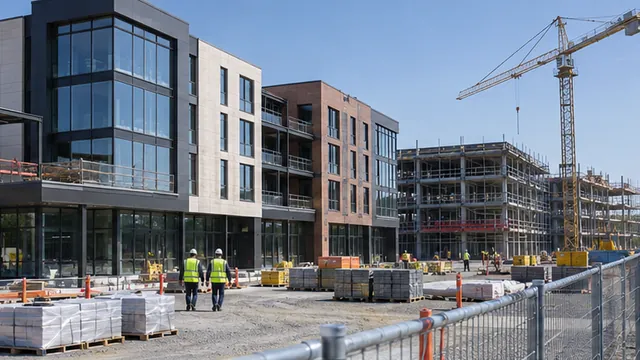
Long timelines and revised budgets make costs difficult to follow.
One view across every phase of your development.
For developers and project owners managing commercial, residential or mixed-use schemes, Morep links phase budgets, procurement, contractors, materials and finance across the development lifecycle.

Challenges Morep can help coordinate
Morep supports the operational workflows that connect these teams and records.
Many procurement packages and contractors need coordination.
Materials move across sites and project phases.
Leaders need consolidated reporting across projects.
Modules working together
The modules below share records and workflows. Setup depends on the processes agreed for your organization.
ProjectsProcurementInventoryAccountingAssetsApprovals and permissions
Follow the work from request through reporting
A connected process helps teams follow activity and related costs across Morep.
- Set phase budgets
- Prepare procurement packages
- Award and place orders
- Receive materials on site
- Record progress and costs
- Approve payments and consolidate reports

What leaders can see
Operational views can be configured around relevant locations, teams and reporting needs.
- Budget, committed and actual by phase and package
- Contractor and payment records
- Materials by site
- Approval status
- Consolidated views across projects or entities
Morep includes core ERP workflows. Setup is adapted to your organization, and separate integrations or specialist needs are scoped with you.
- Project, procurement and accounting records
- Inventory and assets
- Approvals and reporting
- Phases, cost categories and packages
- Site stores and approval steps
- Consolidated reports for configured entities
- Morep is for development operations, not property listings, sales, tenant or rental management.
- It is not a BIM, quantity-surveying, scheduling or contract-administration system.